Projects and tasks
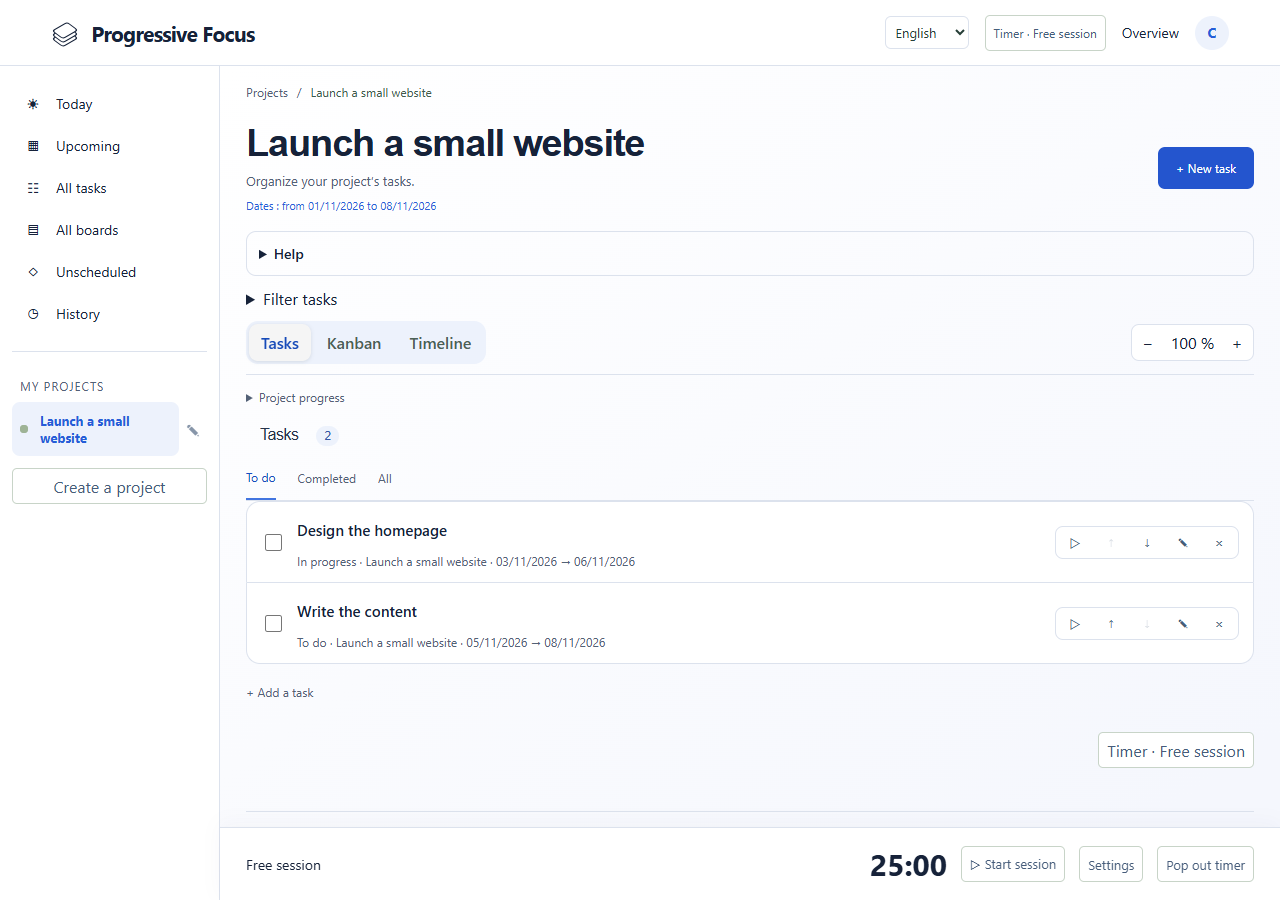
Create, edit, complete and reorder your tasks.
For personal projects and everyday work
Bring your projects, tasks, schedule and focus timer together in a simple workspace that helps you make steady progress with fewer distractions. The Calque interface offers compact navigation and complementary views of your tasks.
Accounts are created by an administrator. Ask the person who introduced you to the service for access.
Progressive Focus
Create, edit, complete and reorder your tasks.
Keep URLs and attachments with a project or task.
Choose a preset from 5 to 45 minutes and a 5, 10 or 15 minute break.
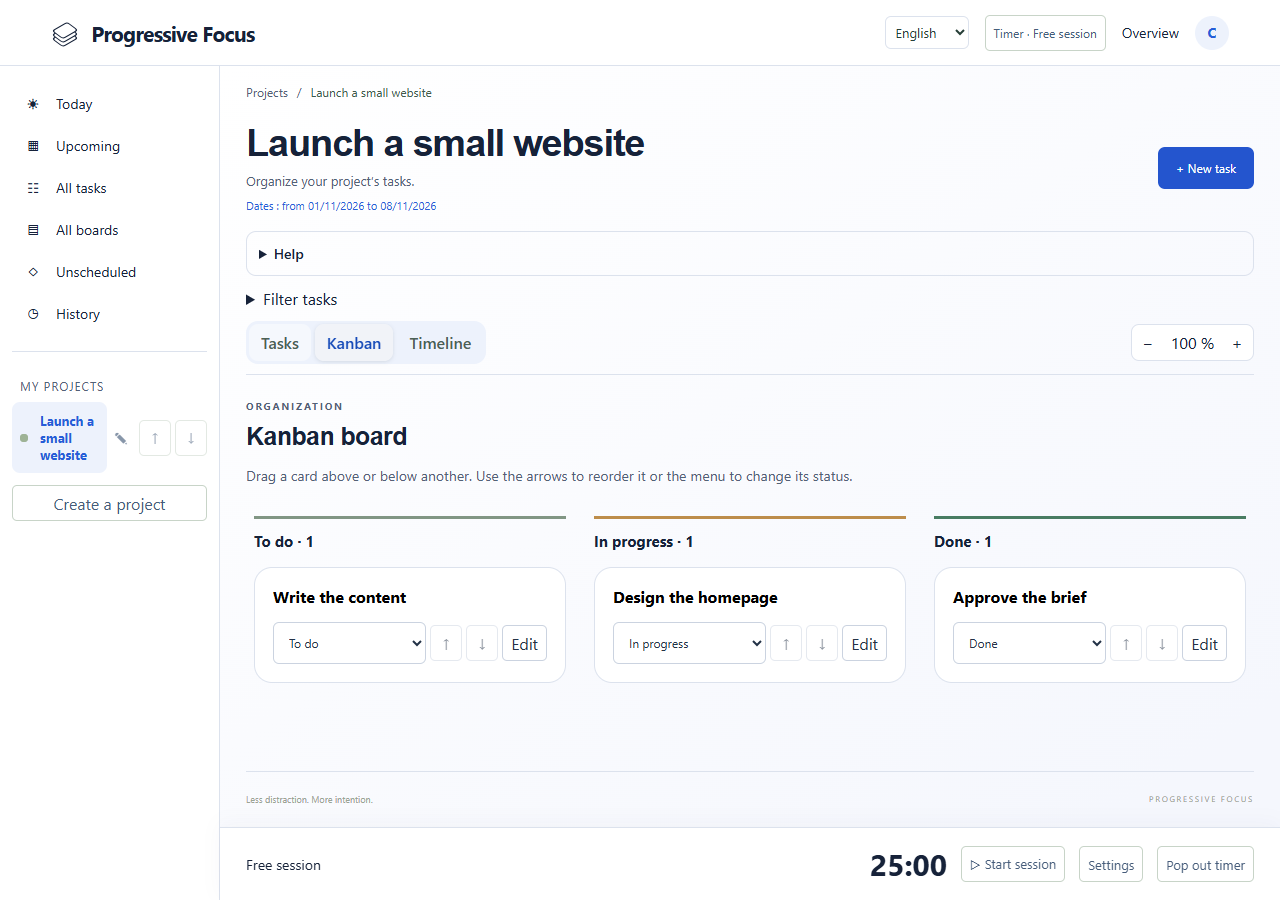
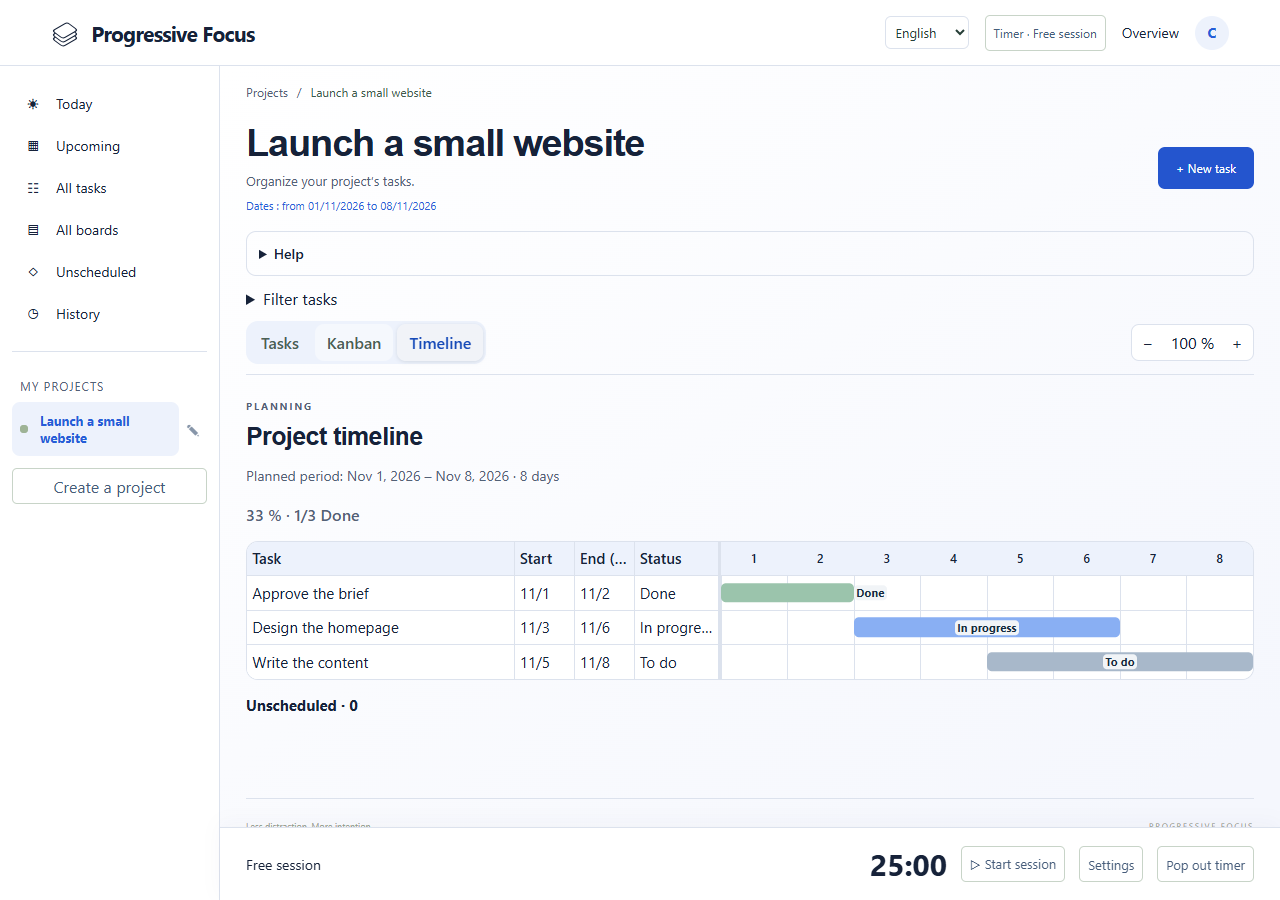
Organize task status and plan start and end dates.
Get session and break alerts; mobile alerts require server setup and a supported browser.
Access server-stored work and your session history.
Organize what matters, choose a task and work in manageable stretches. Use the Kanban board and timeline to keep the bigger picture in view.
Projects, tasks, preferences and sessions are stored in SQLite. Documents are stored on the server. Private routes verify the signed-in account.
PrivacyAccounts are created by an administrator. Ask the person who introduced you to the service for access.
Sign in